How to Caption Podcast Clips for TikTok, Reels and Shorts
Podcast clips live or die on what's said, so they need captions. A simple workflow from full episode to captioned short, and the tools for each step.
By the Capsubs team · Updated · 3 min read
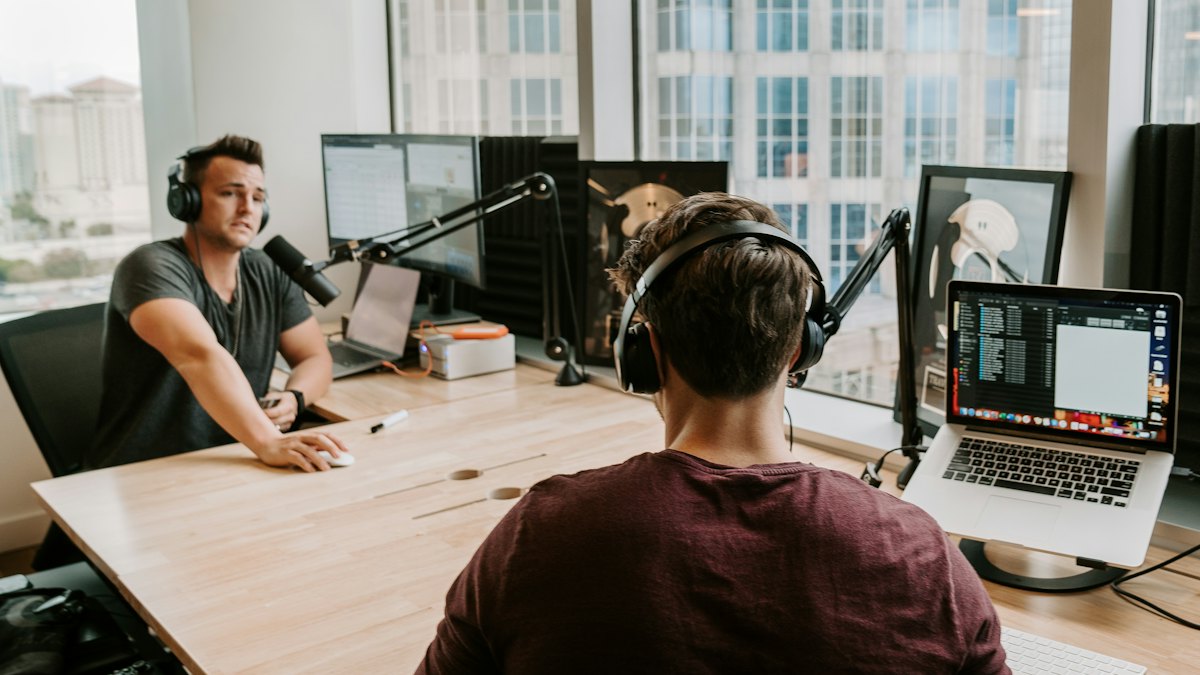
To caption podcast clips, first cut the best 30–90 seconds out of the episode, crop it to vertical, then run the clip through a caption tool that burns in word-by-word captions, and fix any names before export. Captions matter more for podcasts than almost any other video because there's little to watch: with the sound off, the text is the content.
The workflow
- Find the moment. A clear opinion, a story with a payoff, or a surprising number. Aim for 30–90 seconds; Reels and Shorts that go past 3 minutes lose reach.
- Cut and crop to 9:16. Keep the speaker's face in the upper-middle of the frame so the bottom is free for captions and the app's buttons.
- Caption it. Use a tool with word-level timing so the text follows the speaker.
- Check names and terms. Guest names, show names and jargon are the most common errors.
- Add a hook line at the top in the first second if the clip needs context.
- Post natively to each platform with the same captioned file.
Which tool for which step
| Step | Good options |
|---|---|
| Finding clips in a long episode | Opus Clip, YouTube Studio's Clips and Shorts, or by hand in your editor |
| Cropping to vertical | Your editor, CapCut, or the clipping tool |
| Word-by-word captions | Capsubs, Submagic, CapCut, Descript |
| Fixing words | Any of the above, before export |
If you want one tool that finds the clips and captions them, Opus Clip is built for that: it scores moments by "virality" and adds animated captions, billed by minutes of source video. If you'd rather choose the moments yourself, cutting in your editor and captioning in Capsubs is simpler and cheaper per clip. We compare the two in Capsubs vs Opus Clip.
Caption settings that suit podcasts
- Style: Highlight or Boxed. Boxed reads well over busy studio backgrounds.
- Position: bottom of the safe area or the middle, below the faces.
- Words per line: short, 2–3 words, because podcast speech is fast and conversational.
- Two speakers: keep both faces visible; captions under both work better than switching positions.
Make the audio easy to transcribe
Podcast audio is usually good, but clips often start mid-sentence or include cross-talk. Trim to clean sentence starts, and cut moments where both people talk at once; overlapping speech is the hardest thing for any speech model. One test of Whisper large-v3 measured roughly 93% word accuracy on single-speaker segments and about 82% on cross-talk.
Horizontal clips
If your podcast is filmed in 16:9, you can caption the horizontal clip too. Capsubs sizes captions to the video's own shape, so the same tool works for YouTube clips and vertical shorts.
FAQ
How long should a podcast clip be? Usually 30–90 seconds. Data on Reels and TikTok suggests strong performance both under 30 seconds and around a minute when the content holds attention. See length limits.
Should I burn in captions or upload an SRT? For TikTok, Reels and Shorts, burn them in so they show in the muted feed. For full episodes on YouTube, add a caption track too.
Can I caption a full episode? Capsubs takes videos up to 3 minutes on Free and 6 minutes on Basic and Pro, which suits clips rather than full episodes. For full episodes, a transcript tool like Descript or YouTube's own captions fits better.
Caption your next video in a minute
Upload a TikTok, Reel or Short, pick a style and get it back with word-by-word captions burned in. Free to start, no watermark.