How to Add Word-by-Word Captions to a Video
Word-by-word captions light up each word as it's spoken. How they work, three ways to make them, and the settings that keep them readable.
By the Capsubs team · Updated · 3 min read
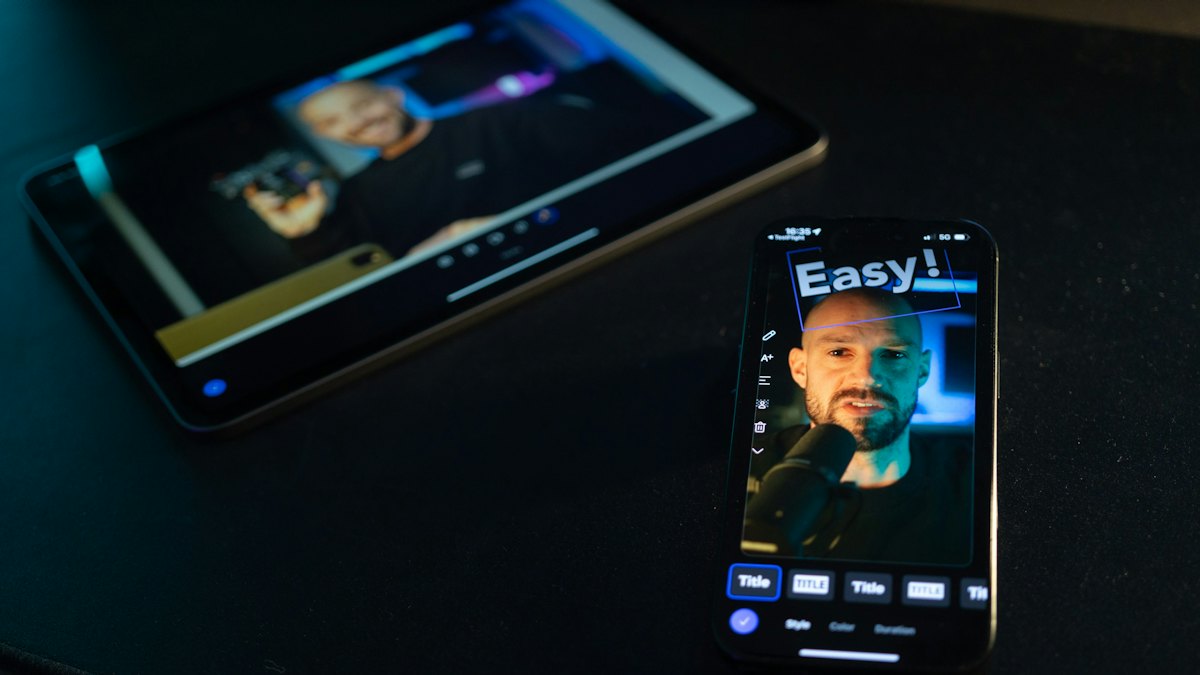
Word-by-word captions show two or three words at a time and highlight each word the moment it is spoken, usually by changing its color or making it pop. You can make them automatically with a caption tool that has word-level timing (Capsubs, Submagic, CapCut and others), or by hand in an editor, one word at a time.
Why this style works on short-form video
Most people scroll with the sound off. Short, highlighted lines let a viewer read along at the speed of speech, and the moving highlight pulls the eye back to the text. It is the look you see on most talking-head TikToks, Reels and Shorts.
How the timing works
Speech-to-text models such as OpenAI's Whisper can return a start and end time for every word. A caption tool groups those words into short lines (Capsubs uses up to three words per line), shows the whole line, and changes the color of the word currently being said. When a new sentence starts, a new line begins, so a line never runs across two sentences.
Option 1: An automatic caption tool (fastest)
- Upload your video to a tool that supports word highlighting.
- Pick a style and a highlight color.
- Check the transcript and fix names, slang and numbers.
- Export the video with the captions burned in.
In Capsubs this is the Highlight style: each line pops in, the spoken word lights up in yellow, green, cyan or pink, and the rest of the line stays white with a black outline. Boxed does the same on a solid black box, which reads better on bright footage. Turn on Check words before burning in if your video has names or brand terms. A 60-second clip takes about a minute.
Option 2: CapCut
CapCut's auto captions can be styled with templates, some of which highlight keywords or animate words. Generate captions under Captions → Auto captions, then choose a template and edit the words. CapCut's own pages disagree on whether auto captions are free or a Pro feature, so check what your account shows before you rely on it. See how to add captions in CapCut.
Option 3: By hand in an editor
In Premiere Pro, DaVinci Resolve or Final Cut you can make the effect manually: duplicate each line once per word and change the color of one word in each copy. It gives you total control but takes a long time for anything over a few seconds.
Settings that keep word-by-word captions readable
| Setting | Recommendation | Why |
|---|---|---|
| Words per line | 2–4 | Shorter lines are read at a glance on a phone |
| Font | Heavy sans-serif (e.g. Montserrat ExtraBold) | Thick letters survive small screens and compression |
| Case | All caps or sentence case, consistently | All caps reads as bold; sentence case reads faster in long lines |
| Outline or box | Black outline, or a solid box on bright video | Keeps white text readable on any background |
| Highlight color | One bright color, used for every video | Becomes part of your look |
| Position | Middle third of the frame | Clear of the app's buttons and caption text |
More on each choice in the best fonts for captions and how many words per caption line.
Common mistakes
- Too many words on screen. A full sentence with one highlighted word is hard to follow. Keep lines short.
- Highlight drifting out of sync. Usually caused by music or overlapping voices confusing the transcript. Check the words before export.
- Captions under the buttons. The bottom third of TikTok and Reels is covered by the app. Move captions up.
- Two sets of captions. If you burn captions in, switch off the platform's own captions for that post.
FAQ
Is there a free way to make word-by-word captions? Yes. Capsubs Free gives you 1 video every 2 weeks with no watermark; CapCut and Canva have animated caption options on free plans with some limits.
What is the difference between word-by-word and karaoke captions? They're the same idea. "Karaoke" usually means the color fills each word as it is sung or spoken.
Can I change the highlight color? In Capsubs you can choose yellow, green, cyan or pink, and the live preview shows the result before you upload.
Caption your next video in a minute
Upload a TikTok, Reel or Short, pick a style and get it back with word-by-word captions burned in. Free to start, no watermark.