Best Free Caption Generators With No Watermark (2026)
Six ways to auto-caption a video for free with no watermark, what each free plan really allows, and the catch with each. Checked October 2026.
By the Capsubs team · Updated · 3 min read
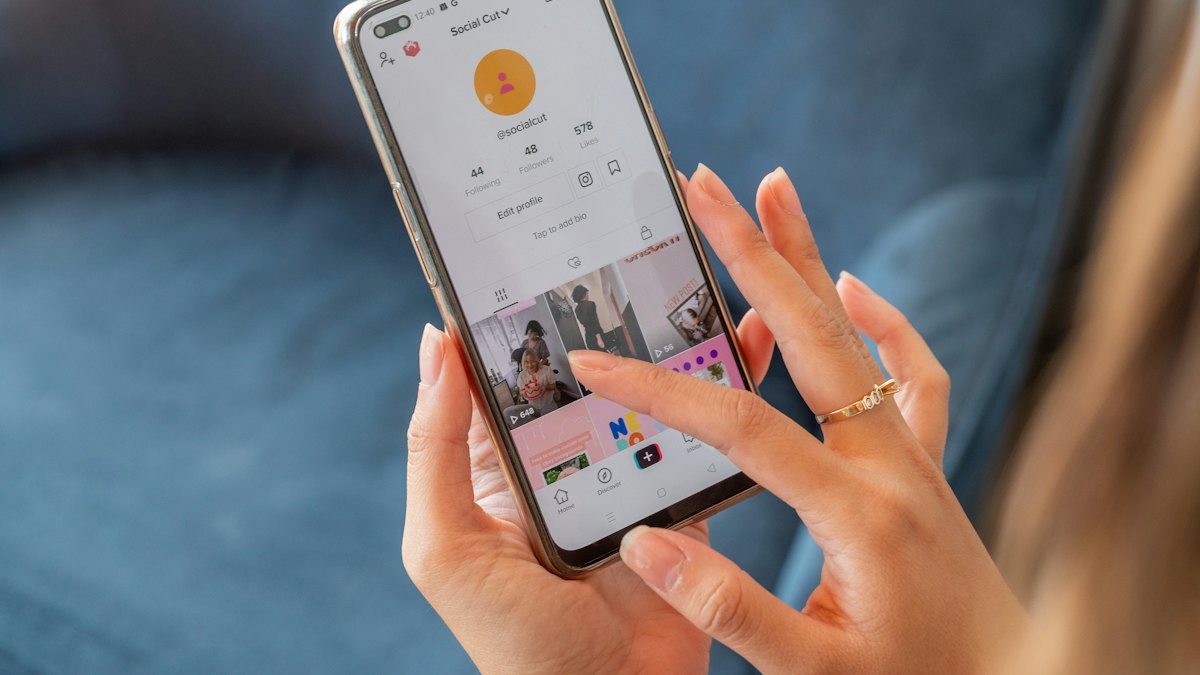
You can auto-caption videos for free with no watermark using Microsoft Clipchamp, Canva, Adobe Express, Capsubs, CapCut (if you avoid Pro assets) or the built-in captions in TikTok, Instagram and YouTube. They differ in limits and in style: only some of them do the animated word-by-word captions popular on short-form video.
We make Capsubs. Limits for other tools are from their own pages as of October 20, 2026.
The free options compared
| Tool | Free limit | Watermark | Word-by-word style | Export | Catch |
|---|---|---|---|---|---|
| Microsoft Clipchamp | No stated limit | No | No (font, color, size, position) | 1080p, plus .srt | Microsoft account; one language per video |
| Canva | "As often as you need" | No, unless premium elements are used | Animations including Highlight | MP4 up to 30 min, 1080p | Premium assets in a design add watermarks |
| Adobe Express | Unlimited videos, each up to 5 min and 1 GB | No (per Adobe) | Font styles | MP4 | 5-minute cap per video |
| Capsubs | 1 video every 2 weeks, up to 3 min and 500 MB | No | Yes (Highlight, Boxed) | Up to 1080p | One video every 2 weeks on Free |
| CapCut | Varies; some accounts need Pro for auto captions | No, unless Pro assets | Templates | Up to 1080p free | Free status of captions is inconsistent |
| TikTok / Instagram / YouTube | Free | No | No, plain captions | On that platform only | Captions don't travel with the file |
Which free tool fits
For animated, word-by-word captions
Capsubs and Canva. Capsubs is built only for this: upload, pick a style and color, download, with the spoken word highlighted. Canva has caption animations (Reveal, Highlight, Snake) inside its full design editor, which is great if the video is also a branded design. You can try Capsubs without an account on a clip up to 60 seconds (that trial adds a small watermark; a free account doesn't).
For long videos and SRT files
Clipchamp. No stated length limit, a downloadable .srt, and 1080p exports without a watermark. Its captions are plain rather than animated.
For a quick short clip
Adobe Express. Simple upload-transcribe-download, free, up to 5 minutes per video.
If you already edit in CapCut
Use CapCut's captions, but check whether your account shows a Pro prompt on auto captions.
If you only post to one platform
The built-in captions in TikTok, Instagram and YouTube are free and fine; they just look plainer and stay on that platform.
Free plans that do add a watermark
Worth knowing so you don't get surprised at export: VEED, Kapwing, Descript, Zubtitle and Opus Clip all watermark free exports, according to their pricing pages. Submagic's free option is a short trial, also watermarked.
Tips for free tools
- Check words before exporting. Free or paid, auto captions get names wrong. How to fix them.
- Watch for premium assets in Canva and CapCut; they're the usual cause of a surprise watermark.
- Keep captions in the safe zone so the app's buttons don't cover them: safe zones.
FAQ
Is there a completely free caption generator with no limits? Clipchamp states no limit on generating subtitles, and Canva says you can caption as often as you need. Both require an account.
Does Capsubs add a watermark? Not on any account, including Free. Only the no-signup homepage trial adds a small watermark.
What's the best free option for TikTok-style highlighted captions? Capsubs Free (1 video every 2 weeks) or Canva's caption animations.
Caption your next video in a minute
Upload a TikTok, Reel or Short, pick a style and get it back with word-by-word captions burned in. Free to start, no watermark.